A local design workspace for robot parts, housings, mounts, transitions, fixtures and custom profiles. The catalogue is a structured inventory of editable templates; it needs no server database.
Open the complete robot → Browse the new robot kit Printing & assembly guideSee the finished assembly first
Open the robot, click a component, then edit its dimensions. The four wheel shafts enter real bores in separate carriers bolted to the chassis. The deck, upper housing and roof are separate printable modules.
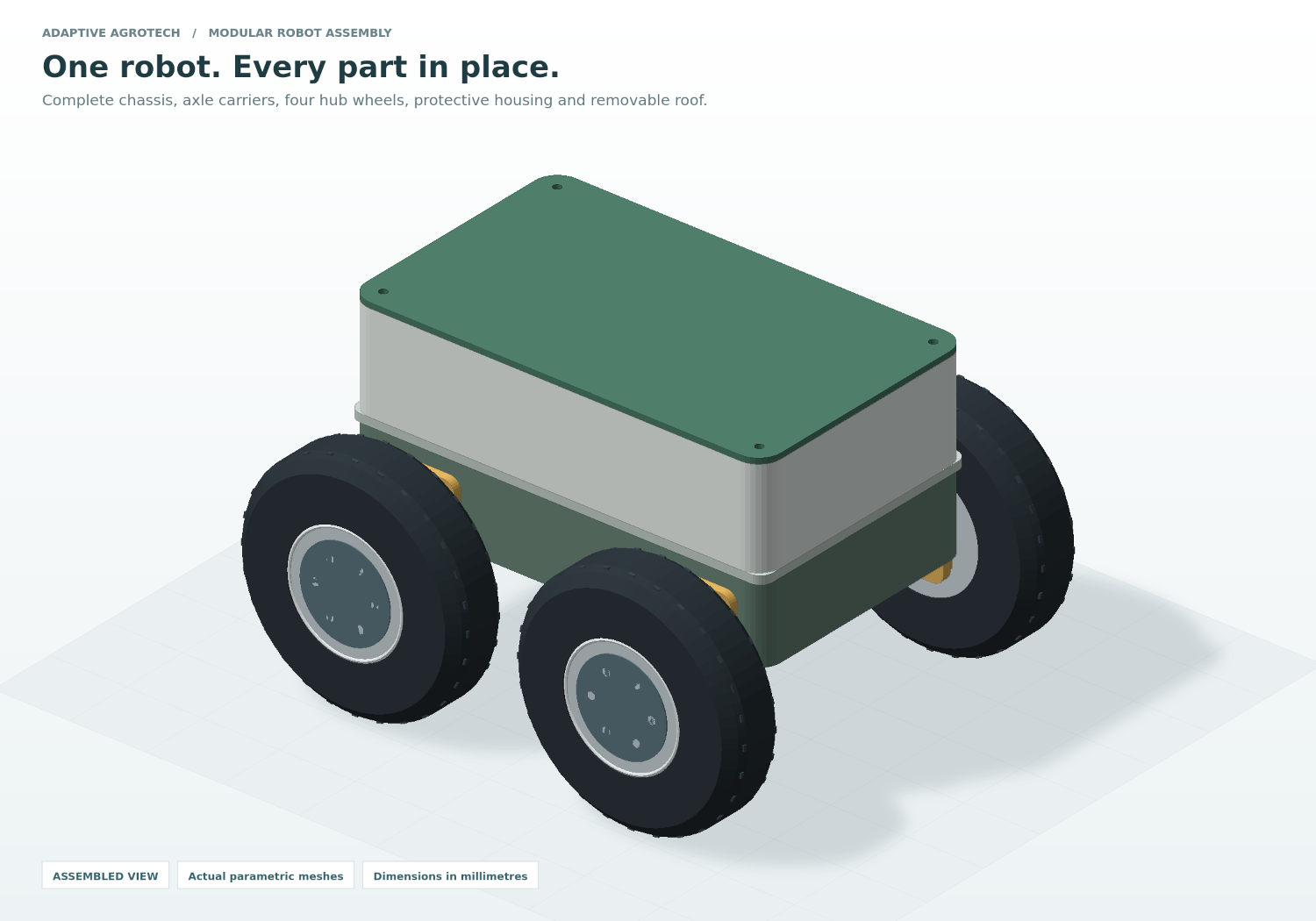
Complete assembly guide → · Individual Part Studio →
01Inspect the wheel attachment
Click Inspect wheel attachment, move the exploded slider, or hide the roof. Follow the metal shaft into the amber carrier through-bore.
02Make it your part
Select any component in the scene or list. Change its bore diameter, thickness or dimensions. Use Isolate part or open a separate copy in Part Studio.
03Save, inspect, print
Save the full assembly or an editable component project. Export the selected printable part as STL or OBJ in millimetres. Matching default component files are in examples/assembly/.
The modular robot kit
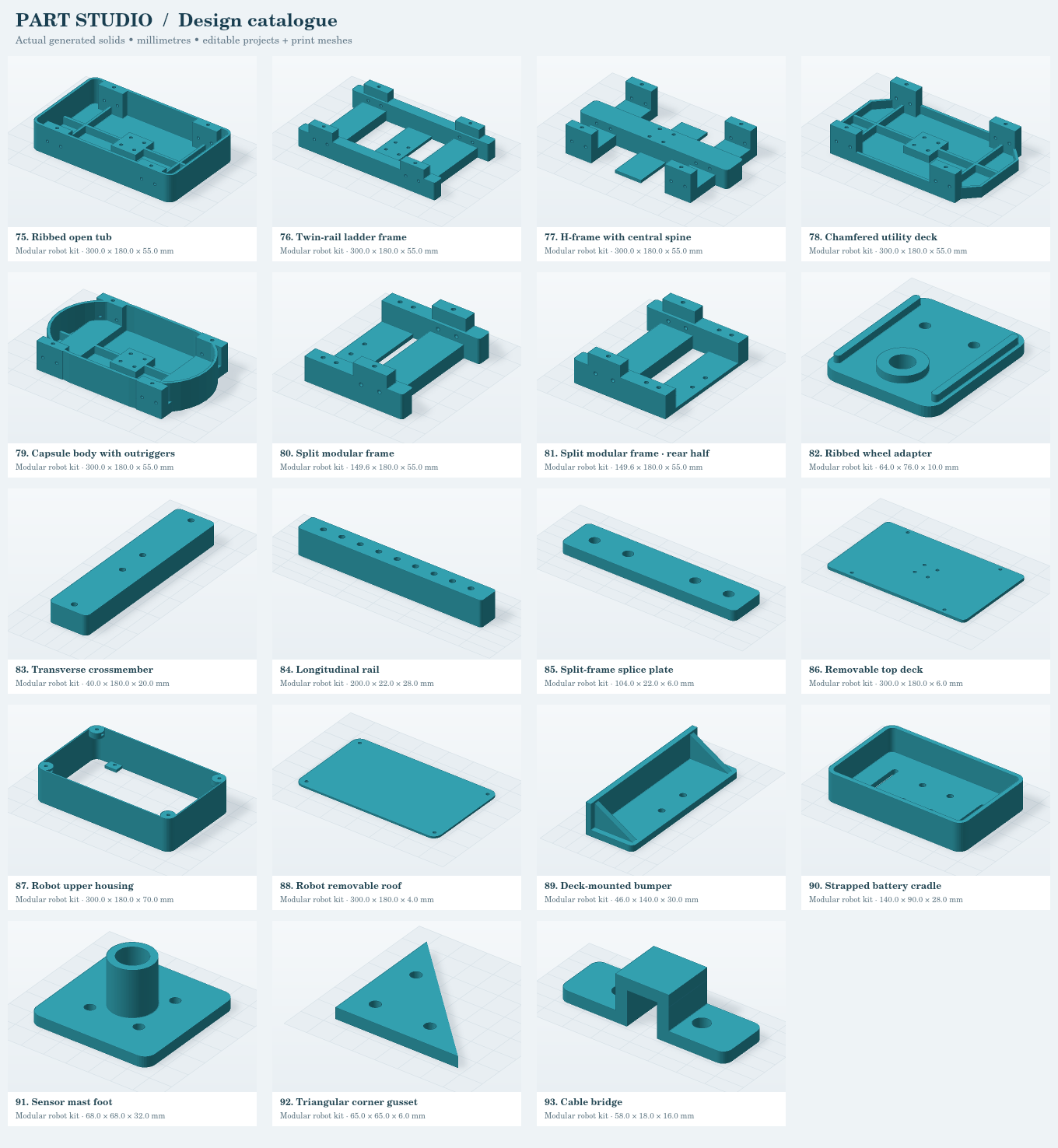
19 robot templates: six body families, a separate rear split-frame half, and twelve useful modules including the new upper housing and roof. Adjust wheelbase and body dimensions, then use the part selector to carry the matching interface into a deck, carrier or crossmember. The complete assembly shows solid wheel/hub/shaft hardware references; these are excluded from printable exports.
Open the illustrated robot inventory →
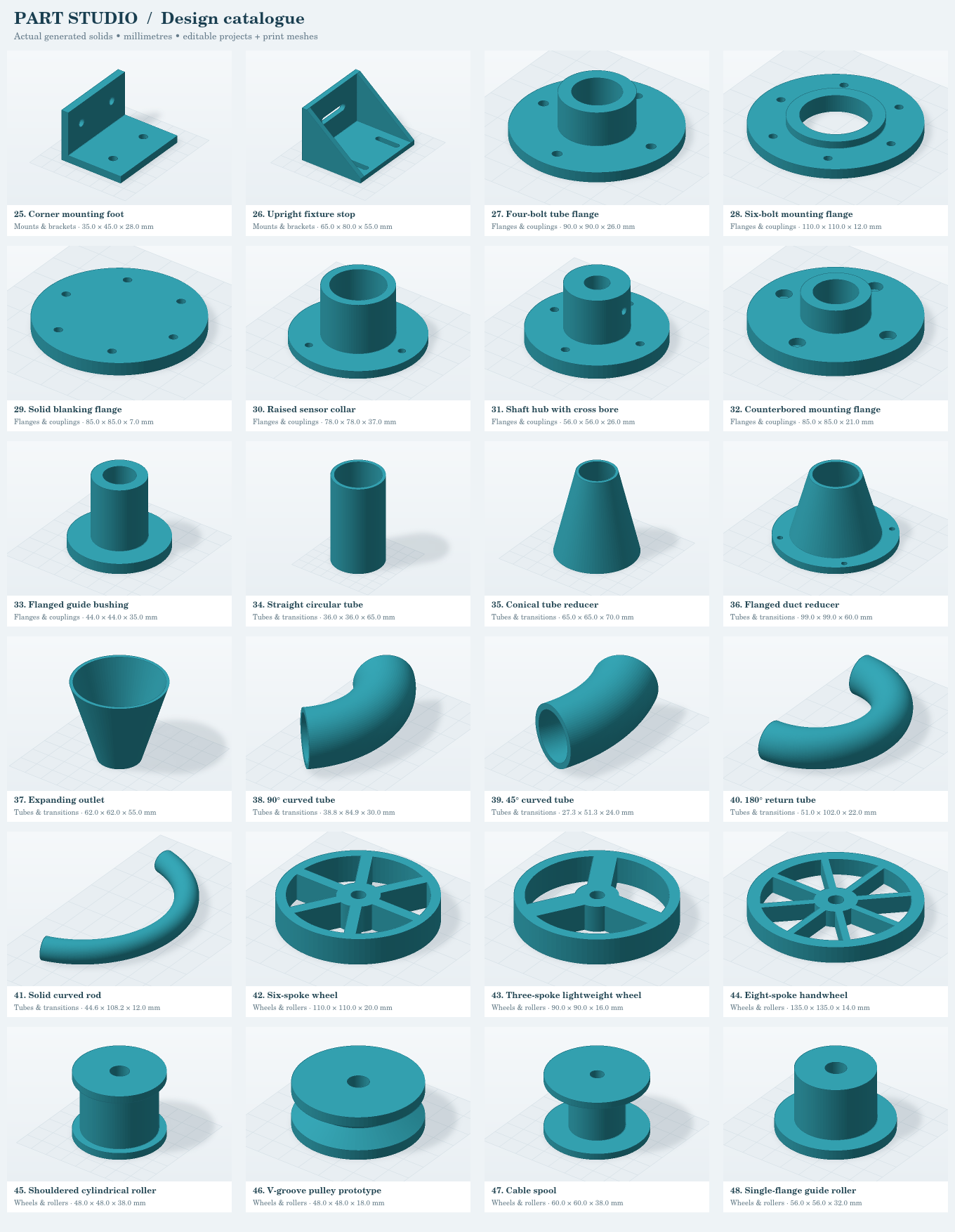
The original catalogue is retained
Enclosures · Robot bodywork · Mounts & brackets · Flanges & couplings · Tubes & transitions · Wheels & rollers · Knobs & hardware · Fixtures & organizers · Sketch & profile studies · Basic solids.
Preview sheet 1 · Preview sheet 2 · Preview sheet 3 · Preview sheet 4
Keep the package together
| File or folder | Purpose |
|---|
| index.html | Complete Robot Assembly Studio. Double-click after extracting the ZIP, or upload the whole package to a web folder. |
| parts.html | Individual Part Studio, full inventory and advanced feature editor. |
| ASSEMBLY_GUIDE.html | Component connections, shaft/bore fit and separate project workflow. |
assets/ | Application, solid-modeling engine, original logo, previews and inventory files. Required. |
| catalogue.csv / catalogue.json | Spreadsheet-readable and structured inventory with default parameters and measured dimensions. |
examples/*.partstudio.json | Editable projects. Choose Open inside Part Studio to load one. |
examples/stl/ | Default meshes to inspect in a slicer, including matching enclosure lids. |
| ROBOT_BUILD_GUIDE.html | Body comparison, exact default hole positions, practical printing choices and prototype testing. |
| ROBOT_KIT.html | Every new robot part with Customize, editable JSON and STL links. |
| README.txt | Installation instructions, coordinate conventions and troubleshooting. |
Working with complex features
Features are processed in their displayed order. Add material fuses a primitive with the part; Cut material removes a finite volume, which can form a blind pocket. Repeat a feature with grid counts and pitches. Through-holes and slots are applied after the feature stack.
Robot kit: built-in chassis pads and holes follow your wheelbase and body dimensions. Export the split-frame front and rear halves separately; print two splice plates. See the build guide for actual hardware interfaces and prototype validation.
When resizing other templates or custom features: feature coordinates remain in millimetres. Adjust their placement and inspect the result; the app does not automatically constrain features to faces. New solids must overlap the body to form one connected part.
Enclosures: switch between Body and Lid in the parameters. Features can apply to the body, the lid, or both. Export the two parts separately. Print a small clearance test for your printer and material.
These are customizable prototype geometries. A valid closed mesh does not establish fit, strength or printability. Verify hardware dimensions, thin walls, supports and orientation in your slicer. The designer does not provide imported STL editing, STEP export, true thread/gear generation or structural simulation.